
RFQ to ERP Automation: Step-by-Step for UAE Logistics Teams
The routine is so familiar nobody questions it anymore.
An RFQ arrives — by email, WhatsApp, or a forwarded PDF. The coordinator reads it, pulls the relevant details, and types them into a shared Excel sheet. Once the pricing team signs off, those same details go into the ERP. Sometimes they copy-paste directly from the email. Sometimes the ERP field format does not match what the customer sent, so someone reformats manually before entry.
Errors happen. Teams manage. Operations continue.
In UAE logistics companies handling dozens of RFQs daily, this cycle repeats hundreds of times a week. Nobody stops to question it because it has always produced results — quotes go out, the ERP gets updated, customers receive responses.
But when the same data travels through three separate touch points — email → Excel → ERP — the problem is not inefficiency alone. RFQ ERP integration in UAE logistics is not a technology problem — it is a data movement problem. Data duplication creates inconsistency, inconsistency creates errors, and errors create operational drag that never appears on a dashboard but quietly consumes hours every day.
RFQ-to-ERP automation addresses this by treating the RFQ not as a document to be processed, but as a data event to be captured once and moved forward without re-creation.
Why UAE Logistics Teams Accept the Double-Entry Cycle
The most common reason is framing. RFQ-to-ERP data movement looks like an operations workflow problem, so teams solve it with operational workarounds — spreadsheets, shared folders, WhatsApp groups, and naming conventions that only certain people understand.
Ask a UAE logistics coordinator what slows them down and the data entry cycle rarely surfaces. Instead you hear:
- “We enter details in Excel first — it’s easier to format there”
- “Then we push it to the ERP once pricing confirms”
- “Sometimes we copy-paste directly from the email to save time”
- “Errors happen but we usually catch them before dispatch”
- “The ERP requires structured fields so we clean the data first anyway”
Each statement is true. Collectively, they describe a process where the same information moves through three or four human touch points before it reaches the system that actually needs it.
This costs UAE freight forwarding teams far more hours than most operations managers realise. But because the process produces results, nobody re-engineers it. “This is how operations run” is not a decision — it is an assumption that has never been tested.
The Real Problem for UAE Logistics: Data Movement, Not the ERP
Most teams frame RFQ-to-ERP as an integration challenge. “We need our email to talk to our SAP.” That framing leads to expensive, complex integration projects with long timelines and high failure rates.
The actual problem is simpler: the same data gets re-created multiple times.
An RFQ contains specific information — route, commodity, weight, incoterm, timeline, special handling. That information exists in the original document. Nothing new needs creation. The only task is capturing it accurately once, validating it against ERP requirements, and delivering it in the right format.
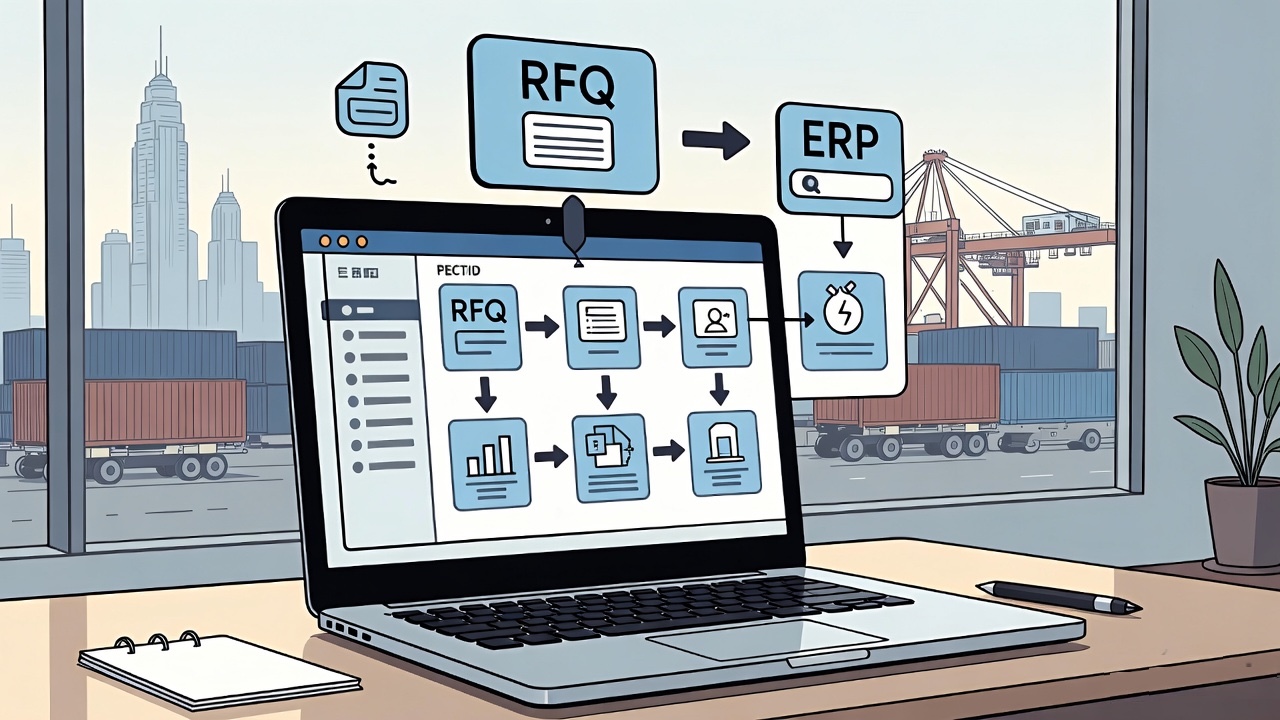
That reframe changes the solution entirely. Instead of an integration project, you need a structured data movement pipeline with four stages:
The Four-Stage Data Movement Pipeline
- Capture — extract structured data from the incoming RFQ
- Validate — check mandatory fields, format compliance, and business rules
- Map — translate captured fields into the ERP schema
- Push — deliver ERP-ready data without manual re-entry
This is what RFQ-to-ERP automation does at a process level — and it requires significantly less complexity than a full system integration project.
The Step-by-Step RFQ to ERP Flow for UAE Logistics Teams
Here is how each stage works in a real UAE logistics environment:
Step 1 — RFQ Input and Structured Extraction
RFQs arrive through multiple channels — email inboxes, shared mailboxes, customer portals, WhatsApp business accounts. The automation layer monitors these channels continuously and captures each incoming RFQ without waiting for a person to open and process it.
From the document — whether a PDF, Excel attachment, or email body — the system extracts structured fields: origin, destination, cargo type, weight, volume, incoterm, requested delivery date, and any special requirements. Arabic and English documents both get processed accurately, which matters in UAE and GCC operations where bilingual vendor communication is standard.
Step 2 — Data Validation Layer
Before any data moves forward, the validation layer checks it against defined rules. Mandatory ERP fields get flagged immediately when missing. Format mismatches — a date in DD/MM/YYYY when the ERP expects YYYY-MM-DD, a weight in pounds when the system requires kilograms — surface at this stage, not after entry.
Manual data entry in supply chain environments carries error rates of up to 4% per transaction. In a UAE logistics operation processing 100 RFQs daily, that translates to four guaranteed errors every day — each requiring manual correction time that compounds across the week. The validation layer catches these errors at the point of entry, not downstream after they have already affected pricing or ERP records.
Step 3 — ERP Schema Mapping
Every ERP organises data differently. SAP S/4HANA, Oracle Fusion, Microsoft Dynamics 365, and regional systems common across UAE enterprises each carry specific field structures, mandatory codes, and data hierarchies.
The mapping layer translates extracted RFQ data into the exact schema your ERP requires. This mapping runs against your specific ERP configuration — your item master, your vendor codes, your approval workflows — not a generic connector. Implementation builds this mapping carefully, and it updates when your ERP configuration changes.
Step 4 — ERP-Ready Push
The final step delivers clean, validated, schema-compliant data directly into the ERP. No coordinator re-enters it, no pricing team reformats it, and no one copies from Excel into a system field.
The ERP receives a structured entry that meets its field requirements and moves directly into the procurement or quotation workflow.
What Changes for UAE Logistics Teams
The operational shift is direct: RFQ response time drops, data consistency improves, and team workload moves from clerical entry to commercial judgment.
Specifically:
- Teams handling 50–100 RFQs daily recover 10–20 hours of manual entry time per day
- ERP data quality improves because structured extraction replaces human interpretation
- The process stops depending on a specific coordinator who knows the ERP field formats
- RFQs processed outside office hours or during Dubai trade season peaks move forward without delay
The person who previously spent four hours entering RFQ data into the ERP now reviews validated entries — catching genuine exceptions rather than managing routine formatting tasks.
What This Is Not
Two claims appear frequently in automation conversations that this approach deliberately avoids.
“Seamless integration with any ERP” — ERP integration is never fully seamless. Every ERP carries constraints, custom configurations, and mandatory fields that require mapping work specific to that installation. A credible RFQ-to-ERP solution builds that mapping carefully during implementation. It does not promise universal compatibility.
“Full end-to-end automation from RFQ to ERP” — The automation handles data movement and validation. Pricing decisions, vendor selection, commercial terms, and approval workflows still require human judgment. Automating the data layer removes repetition — it does not replace the people who run the business.
Overpromising on these two points is exactly how automation implementations fail in UAE logistics environments. The wins come from executing the data movement layer correctly, not from claiming the system replaces operational expertise.
Where to Start
For UAE logistics teams handling more than 30 RFQs per week, the starting point is a process audit — not a technology selection.
Map the current data journey: where does the RFQ first get read, where does data get entered, how many times does the same field get typed across different tools, and where do errors typically surface. That map will show you exactly which steps in your current flow add no value and should not exist.
Book a 30-minute session with Nunar to walk through your current RFQ-to-ERP data flow and identify where automation can eliminate the duplicate entry cycle.
Frequently Asked Questions
Does RFQ to ERP automation require replacing our existing ERP?
No. The automation layer sits between your RFQ intake and your existing ERP. It works with your current SAP, Oracle, Dynamics, or other system without requiring replacement or major reconfiguration. The mapping builds to your existing ERP schema.
What happens when an RFQ arrives with missing required fields?
The validation layer flags incomplete RFQs immediately, before any data moves forward. A structured follow-up goes to the sender automatically — capturing the missing information without a coordinator having to discover the gap and respond manually.
How does the system handle RFQs in Arabic and English?
UAE and GCC logistics operations regularly receive documents in Arabic, English, and mixed formats. The extraction layer processes both languages and handles bilingual documents without requiring separate workflows or manual translation steps.
Which ERP systems does this work with in UAE logistics?
The pipeline works with SAP S/4HANA, Oracle Fusion Cloud, Microsoft Dynamics 365, and other enterprise systems commonly deployed in UAE and GCC logistics enterprises. Mapping configures to your specific ERP instance — not a generic connector.